EN
EN


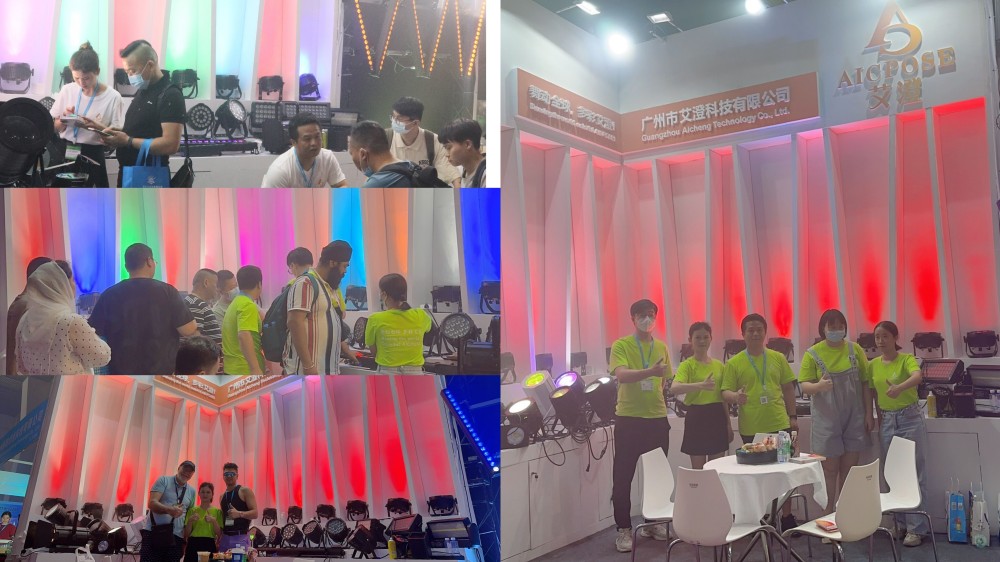
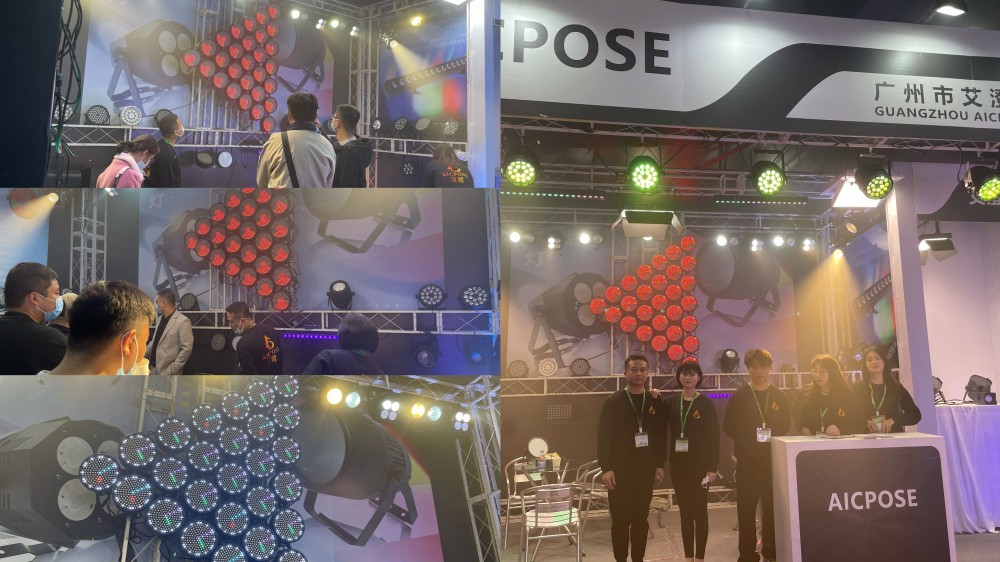
Prolight+sound Exhibition 2023
2025/09/04


2025/12/29
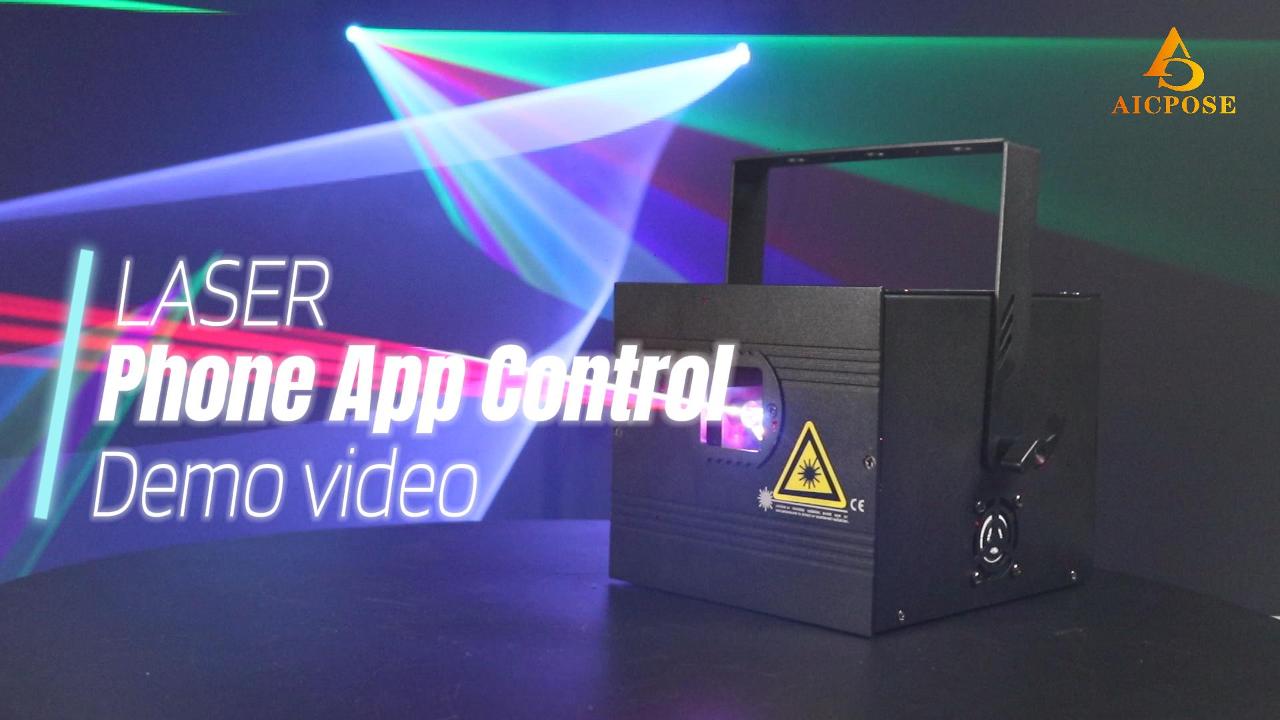
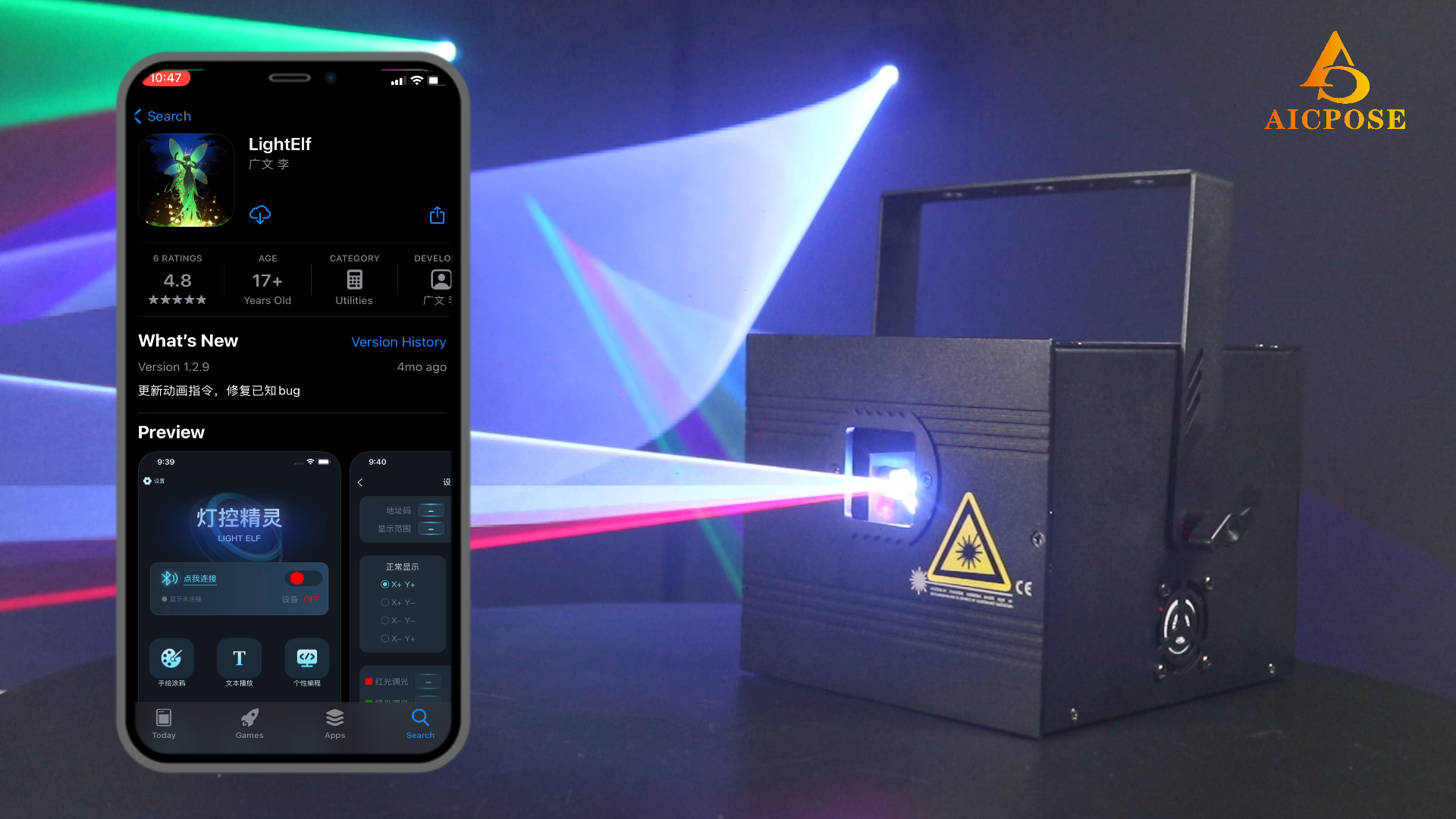
Paragraph 1 | Download the App for Easy Control
Users only need to download the dedicated control App on their smartphone to start operating the animation laser light. The App supports both Android and iOS systems, with no need for additional controllers or complicated setup. Once installed, users can quickly access an intuitive control interface, making animation laser control simple and efficient.
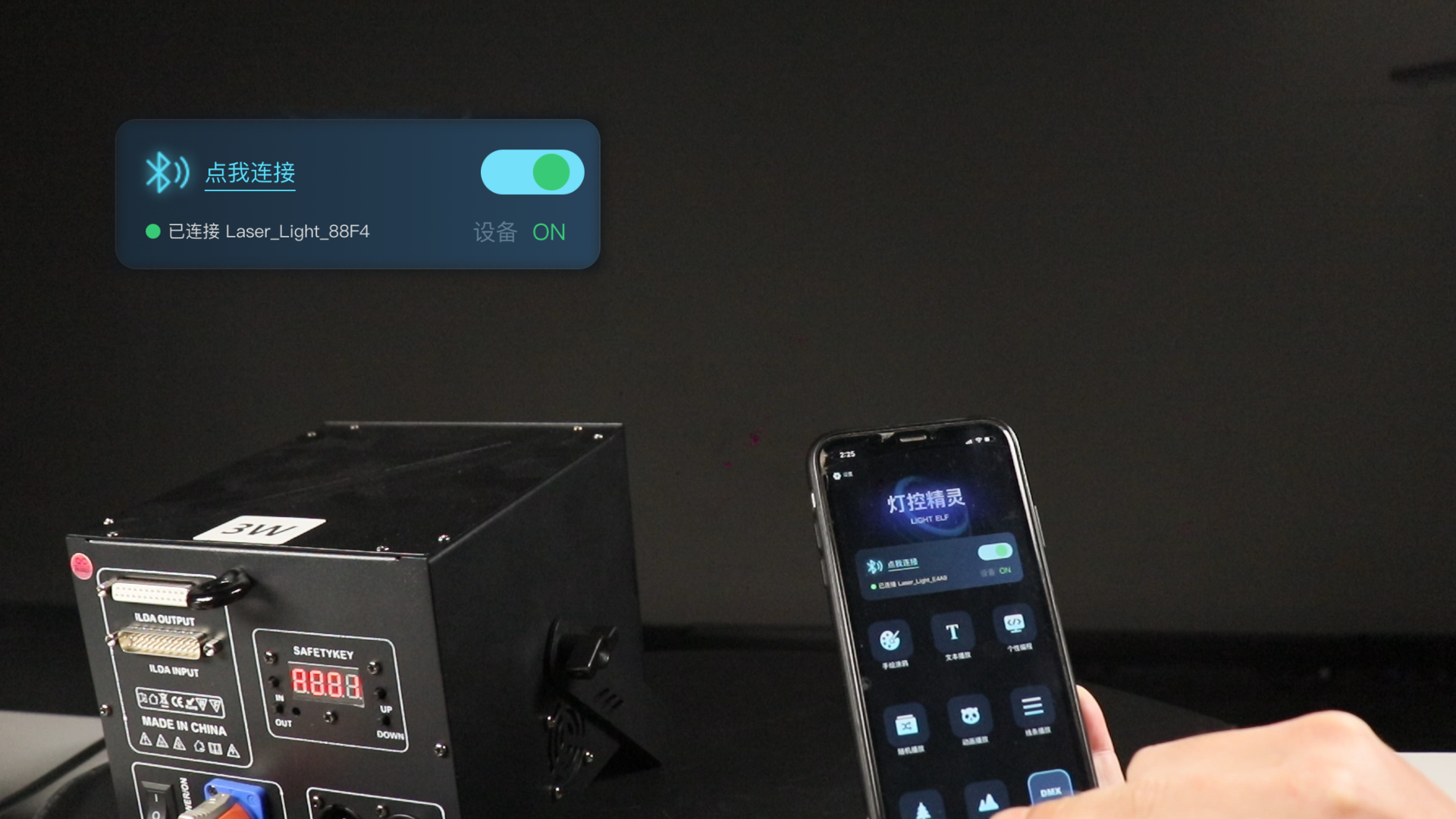
Paragraph 2 | Bluetooth Connection Between App and Laser Light
After opening the App, the smartphone connects to the animation laser light via Bluetooth. The connection is fast and stable, with no network required, making it ideal for live shows, bars, parties, KTV, and other entertainment venues. Wireless Bluetooth control reduces cable clutter and equipment dependency, providing greater flexibility for on-site setup.
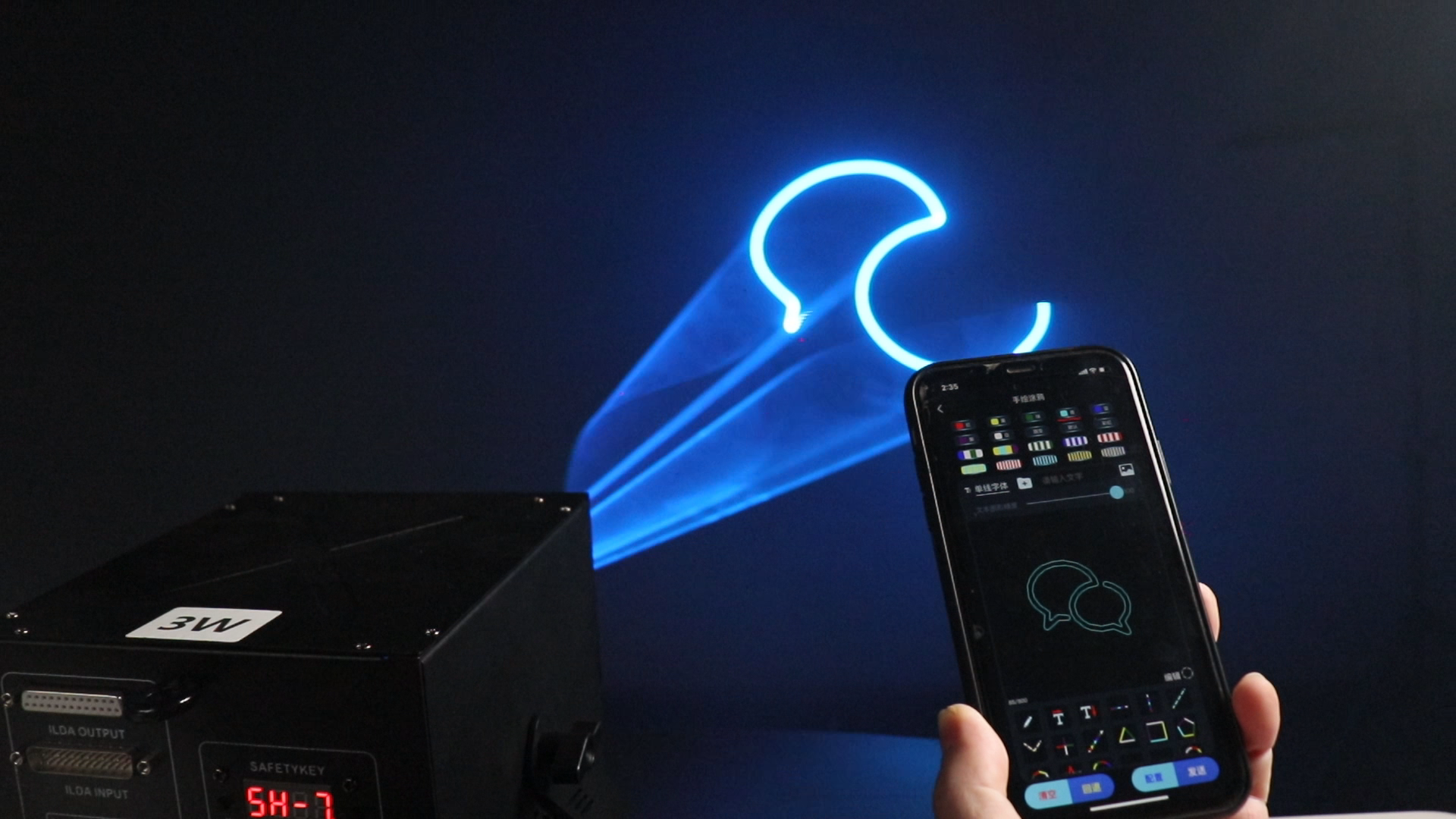
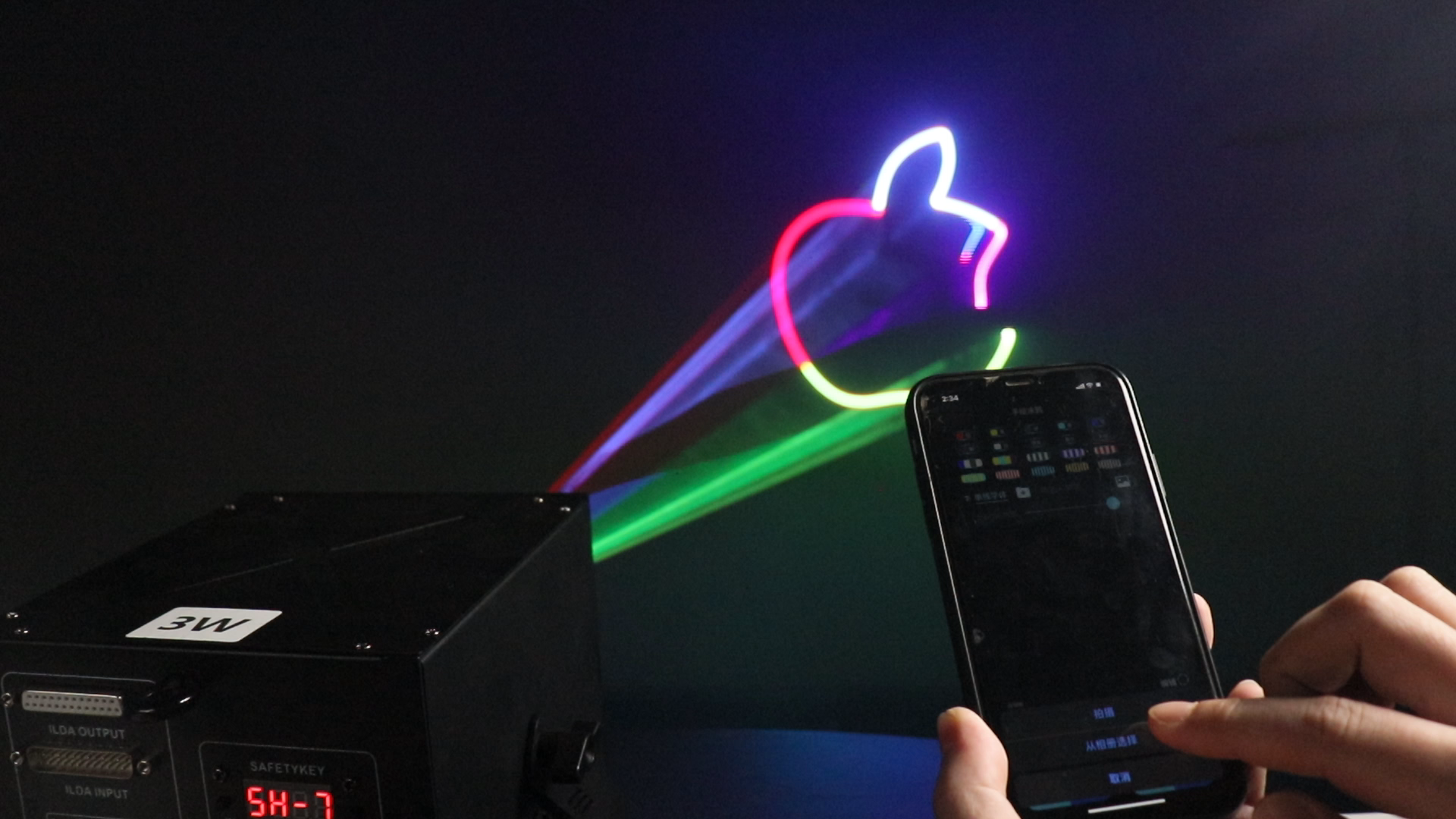
Paragraph 3 | Rich Built-in Effects and Custom Animation Display
The App features multiple built-in animation modes, including Text, Random, Animation, Line, and Christmas effects, allowing users to switch effects easily. It also supports uploading custom images, which can be automatically converted into animated laser displays. This enables personalized performances and creative visual presentations, delivering more dynamic and eye-catching laser effects.
Finally, please note the following points:
The mobile App connects to the animation laser light via Bluetooth. Please enable the Bluetooth function on your smartphone in advance so the laser device can be detected.
When installing the “Lightelf” App on an Android phone, media access permission and runtime permission are required at the first launch. These permissions must be allowed in order for the App to recognize and connect to the laser light.
The animation laser light is a Class 3R laser product. Do not look directly into the laser beam, and do not aim the laser directly at cameras or recording devices (such as mobile phones or cameras), to avoid eye injury or damage to camera CMOS sensors.
For more detailed instructions and a full demonstration of how to control your animation laser light using the App, please watch the video below: https://www.youtube.com/watch?v=8Ww_IebxEG4
Factory Address : 4th Floor, Building U2, LianDong U Valley, No. 480 Guanghua 3rd Road, Jianggao Town, Baiyun District, Guangzhou
Contact : Walter
Phone : 86+17889579873
whatsapp:86+185 2028 9596
Email : [email protected]
WeChat:Aicpose68
2025/09/04
2025/09/03